



Nagpur’s Certified CCNA Training Hub - Unisoft Tech Mastery
Welcome to Unisoft Technologies, your trusted partner for CCNA Certification Training in Nagpur. Our course is designed to provide you with the foundational knowledge and skills in Cisco's IOS, TCP/IP, LAN and WAN technologies, and management.

What You Will Learn
As a CCNA candidate, you will gain expertise in Cisco switching and routing protocols, the OSI model, and LAN troubleshooting. Our unique approach ensures that you have the ability to select, connect, configure, and troubleshoot various Cisco networking devices.
Our Unique Approach
What sets us apart is our use of real Cisco equipment for our CCNA certification course. We believe in providing hands-on experience and do not rely on simulation software for our training. Our equipment includes Routers: 2600, 2800, Switches: 2950, 3550, and Wireless: AIRONET WNIC, AIRONET LWAP.
CCENT Course Included
Our CCNA training also includes training for the CCENT course. This means that when you achieve your CCNA certification, you also attain the CCENT certification. For those who do not wish to go up to the CCNA level certification, we offer a separate CCENT course.
Join Us Today
Join us for the world's longest CCNA course designed to help you pass the tough CCNA exam and kick-start your career in networking.
Course Content:
Network Fundamentals
- Compare And Contrast OSI And TCP/IP Models
- Compare And Contrast TCP And UDP Protocols
- Describe The Impact Of Infrastructure Components In An Enterprise Network
- Firewalls
- Access Points
- Wireless Controllers
- Describe The Effects Of Cloud Resources On Enterprise Network Architecture
- Traffic Path To Internal And External Cloud Services
- Virtual Services
- Basic Virtual Network Infrastructure
- Compare And Contrast Collapsed Core And Three-Tier Architectures
- Compare And Contrast Network Topologies
- Star
- Mesh
- Hybrid
- Select The Appropriate Cabling Type Based On Implementation Requirements
- Apply Troubleshooting Methodologies To Resolve Problems
- Perform And Document Fault Isolation
- Resolve Or Escalate
- Verify And Monitor Resolution
- Configure, Verify, And Troubleshoot Ipv4 Addressing And Subnetting
- Compare And Contrast Ipv4 Address Types
- Unicast
- Broadcast
- Multicast
- Describe The Need For Private Ipv4 Addressing
- Identify The Appropriate Ipv6 Addressing Scheme To Satisfy Addressing Requirements In A Lan/Wan Environment
- Configure, Verify, And Troubleshoot Ipv6 Addressing
- Configure And Verify Ipv6 Stateless Address Auto Configuration
- Compare And Contrast Ipv6 Address Types
- Global Unicast
- Unique Local
- Link Local
- Multicast
- Modified EUI 64
- Auto Configuration
- Anycast
Lan Switching Technologies
- Identify Basic Switching Concepts And The Operation Of Cisco Switches.
- Mac Learning And Aging
- Frame Switching
- Frame Flooding
- Determine The Technology And Media Access Control Method For Ethernet Network.
- Troubleshoot Interface And Cable Issues (Collisions, Errors, Duplex, Speed)
- Configure, Verify, And Troubleshoot VLANS (Normal/Extended Range) Spanning Multiple Switches
- Access Ports (Data And Voice)
- Default VLAN
- Configure, Verify, And Troubleshoot Inter Switch Connectivity
- Trunk Ports
- Add And Remove VLANS On A Trunk
- DTP, VTP (V1&V2), And 802.1q
- Native VLAN
- Configure, Verify, And Troubleshoot STP Protocols
- STP Mode (PVST+ And RPVST+)
- STP Root Bridge Selection
- Configure, Verify And Troubleshoot STP Related Optional Features
- Portfast
- BPDU Guard
- Configure And Verify Layer 2 Protocols
- Cisco Discovery Protocol
- LLDP
- Configure, Verify, And Troubleshoot (Layer 2/Layer 3) Etherchannel
- Static
- PAGP
- LACP
- Describe The Benefits Of Switch Stacking And Chassis Aggregation
IP Addressing (IPV4-IPV6)
- Describe The Operation And Necessity Of Using Private And Public IP Address For Ipv4 Addressing.
- Identify The Appropriate Ipv6 Addressing Scheme To Satisfy Addressing Requirements In A Lan/Wan Environment.
- Identify The Appropriate Ipv4 Addressing Scheme Using VSLM And Summarization To Satisfy Addressing Requirement In A Lan/Wan Environment.
- Describe The Technological Requirements For Running Ipv6 In Conjunction With Ipv4.
- Describe Ipv6 Addresses.
IP Routing Technologies
- Describe The Routing Concepts
- Packet Handling Along The Path Through A Network
- Forwarding Decision Based On Route Lookup
- Frame Rewrite
- Interpret The Components Of A Routing Table
- Prefix
- Network Mask
- Next Hop
- Routing Protocol Code
- Administrative Distance
- Metric
- Gateway Of Last Resort
- Describe How A Routing Table Is Populated By Different Routing Information Sources
- Admin Distance
- Configure, Verify, And Troubleshoot Inter-VLAN Routing
- Router On A Stick
- SVI
- Compare And Contrast Static Routing And Dynamic Routing
- Compare And Contrast Distance Vector And Link State Routing Protocols
- Compare And Contrast Interior And Exterior Routing Protocols
- Configure, Verify, And Troubleshoot Ipv4 And Ipv6 Static Routing
- Default Route
- Network Route
- Host Route
- Floating Static
- Configure, Verify, And Troubleshoot Single Area And Multi-Area OSPF For IPv4 (Excluding Authentication, Filtering, Manual Summarization, Redistribution, Stub, Virtual-Link, And LSAS)
- Configure, Verify, And Troubleshoot Single Area And Multi-Area OSPFv3 For IPv6 (Excluding Authentication, Filtering, Manual Summarization, Redistribution, Stub, Virtual-Link, And LSAS)
- Configure, Verify, And Troubleshoot EIGRP For Ipv4 (Excluding Authentication, Filtering, Manual Summarization, Redistribution, Stub)
- Configure, Verify, And Troubleshoot EIGRP For Ipv6 (Excluding Authentication, Filtering, Manual Summarization, Redistribution, Stub)
- Configure, Verify, And Troubleshoot Ripv2 For Ipv4 (Excluding Authentication, Filtering, Manual Summarization, Redistribution)
- Troubleshoot Basic Layer 3 End-To-End Connectivity Issues
- Border Gateway Protocol (Advance Topic)
IP Services
- Configure And Verify DHCP(IOS Router)
- Describe The Types, Features, And Application Of ACL’S
- Configuration And Verify ACL’S In A Network Environment
- Identify The Basics Operation Of Nat
- Configure And Verify NTP For Given Network Requirements
- Syslog Server (Cisco Services For Network Monitoring)
- Configure And Verify NTP As A Client
- Recognize High Availability (FHRP)
- Describe SNMP V2 And V3.
Network Fundamentals
- Configure And Verify DHCP(IOS Router)
- Describe The Types, Features, And Application Of ACL’S
- Configuration And Verify ACL’S In A Network Environment
- Identify The Basics Operation Of Nat
- Configure And Verify NTP For Given Network Requirements
- Syslog Server (Cisco Services For Network Monitoring)
- Configure And Verify NTP As A Client
- Recognize High Availability (FHRP)
- Describe SNMP V2 And V3.
Network Device Security
- Configure And Verify Network Device Security Features
- Configure And Verify Switch Port Security
- Configure And Verify ACLS To Filter Network Traffic
- Configure And Verify ACLS To Limit Telnet And SSH Access To The Router
Troubleshooting
- Troubleshoot And Correct Common Problem Associated With IP Addressing And Host Configuration
- Troubleshoot And Resolve VLAN Problem
- Troubleshoot And Resolve Trunking Problems On Cisco Switches
- Troubleshoot And Resolve ACL Issues
- Troubleshoot And Resolve Layer 1 Problems
- Identify And Correct Common Network Problems
- Troubleshoot And Resolve Spanning Tree Operation Issues
- Troubleshoot And Resolve Routing Issues
- Troubleshoot And OSPF Problems
- Troubleshoot And Resolve EIGRP Problems
- Troubleshoot And Resolve INTERVLAN Routing Problems
- Troubleshoot And Resolve Wan Implementation Issues
- Monitor NETFLOW Statistics
- TShoot Etherchannel Problem
Wan Technologies
- Identify Different Wan Technologies
- Configure And Verify PPP And MLPPP On Wan Interfaces Using Local Authentication
- Configure, Verify, And Troubleshoot PPPOE Client-Side Interfaces Using Local Authentication
- Configure, Verify, And Troubleshoot GRE Tunnel Connectivity
- Describe Wan Topology Options
- Point-To-Point
- Hub And Spoke
- Full Mesh
- Single Vs Dual-Homed
- Describe Wan Access Connectivity Options
- MPLS
- Metro Ethernet
- Broadband PPPOE
- Internet VPN (DMVPN, Site-To-Site VPN, Client VPN)
- Configure And Verify Single-Homed Branch Connectivity Using EBGP Ipv4 (Limited To Peering And Route Advertisement Using Network Command Only)
- Describe Basic QoS Concepts
- Marking
- Device Trust
- Prioritization
- Voice
- Video
- Data
- Shaping
- Policing
- Congestion Management
Infrastructure Services
- Describe DNS Lookup Operation
- Troubleshoot Client Connectivity Issues Involving DNS
- Configure And Verify DHCP On A Router (Excluding Static Reservations)
- Server
- Relay
- Client
- TFTP, DNS, And Gateway Options
- Troubleshoot Client- And Router-Based DHCP Connectivity Issues
- Configure, Verify, And Troubleshoot Basic HSRP
- Priority
- Preemption
- Version
- Configure, Verify, And Troubleshoot Inside Source Nat
- Static
- Pool
- Pat
- Configure And Verify NTP Operating In A Client/Server Mode
Infrastructure Security
- Configure, Verify, And Troubleshoot Port Security
- Static
- Dynamic
- Sticky
- Max Mac Addresses
- Violation Actions
- Err-Disable Recovery
- Describe Common Access Layer Threat Mitigation Techniques
- 1x
- DHCP Snooping
- Non Default Native VLAN
- Configure, Verify, And Troubleshoot Ipv4 And Ipv6 Access List For Traffic Filtering
- Standard
- Extended
- Named
- Verify ACLS Using The APIC-EM Path Trace ACL Analysis Tool
- Configure, Verify, And Troubleshoot Basic Device Hardening
- Local Authentication
- Secure Password
- Access To Device
- Source Address
- Telnet/SSH
- Login Banner
- Describe Device Security Using AAA With TACACS+ And Radius
Infrastructure Management
- Configure And Verify Device-Monitoring Protocols
- SNMPV2
- SNMPV3
- Syslog
- Troubleshoot Network Connectivity Issues Using ICMP Echo-Based IP SLA
- Configure And Verify Device Management
- Backup And Restore Device Configuration
- Using Cisco Discovery Protocol Or LLDP For Device Discovery
- Licensing
- Logging
- Time Zone
- Loopback
- Configure And Verify Initial Device Configuration
- Perform Device Maintenance
- Cisco IOS Upgrades And Recovery (SCP, FTP, TFTP, And MD5 Verify)
- Password Recovery And Configuration Register
- File System Management
- Use Cisco IOS Tools To Troubleshoot And Resolve Problems
- Ping And Traceroute With Extended Option
- Terminal Monitor
- Log Events
- Local Span
- Describe Network Programmability In Enterprise Network Architecture
- Function Of A Controller
- Separation Of Control Plane And Data Plane
- Northbound And Southbound APIS
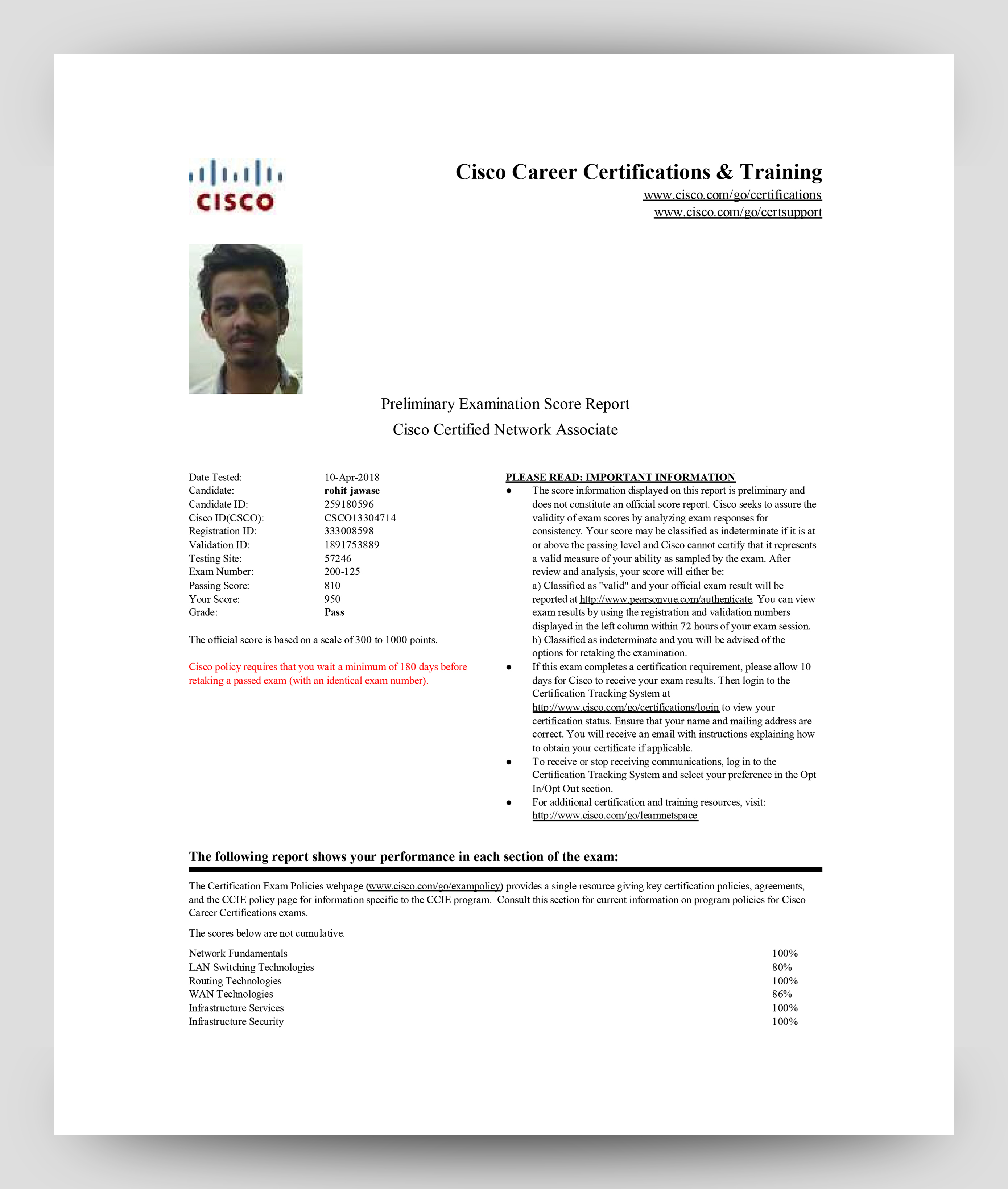
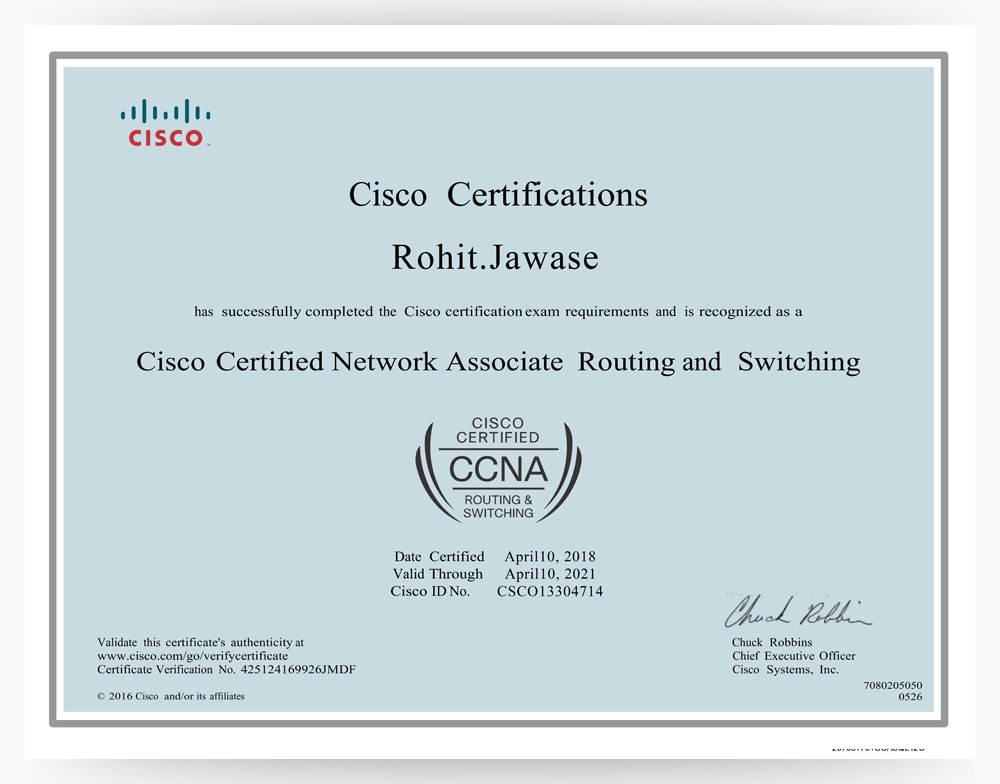
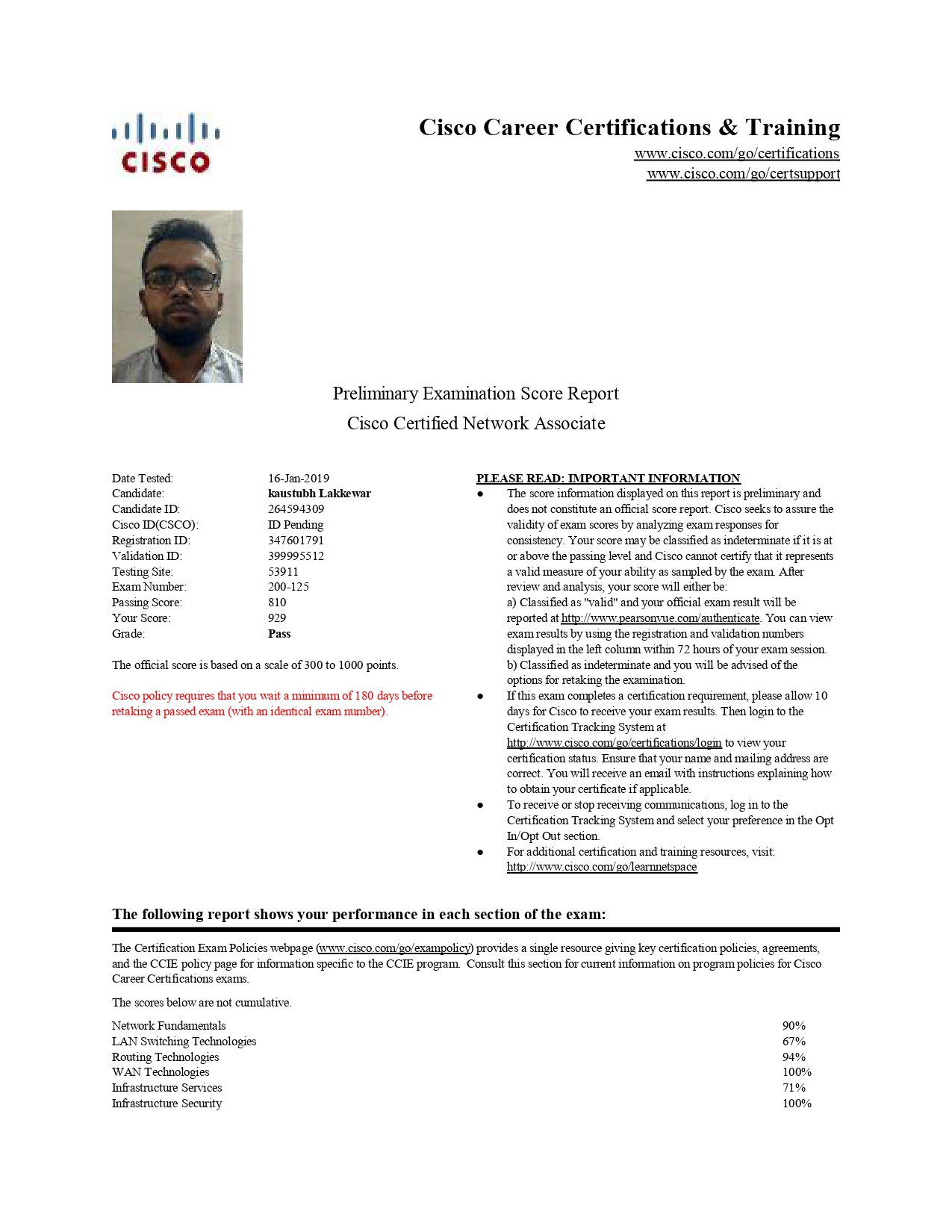
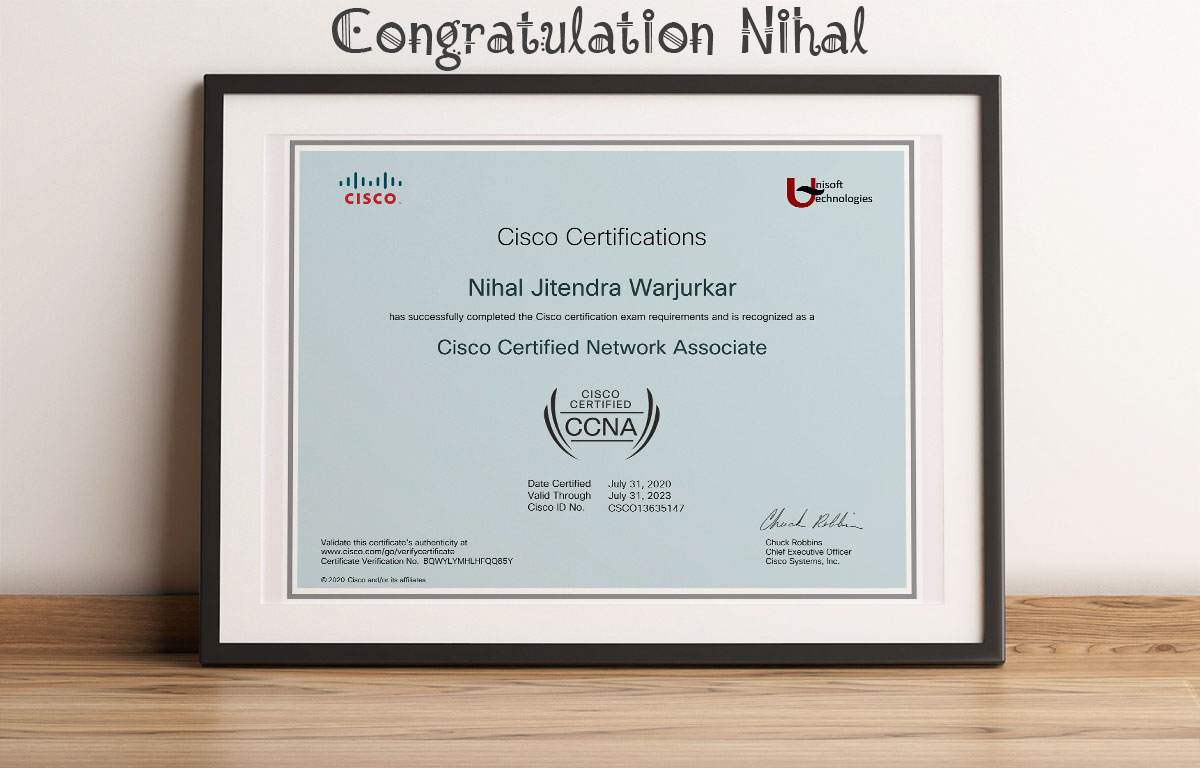
Examination Score Report & Certificate


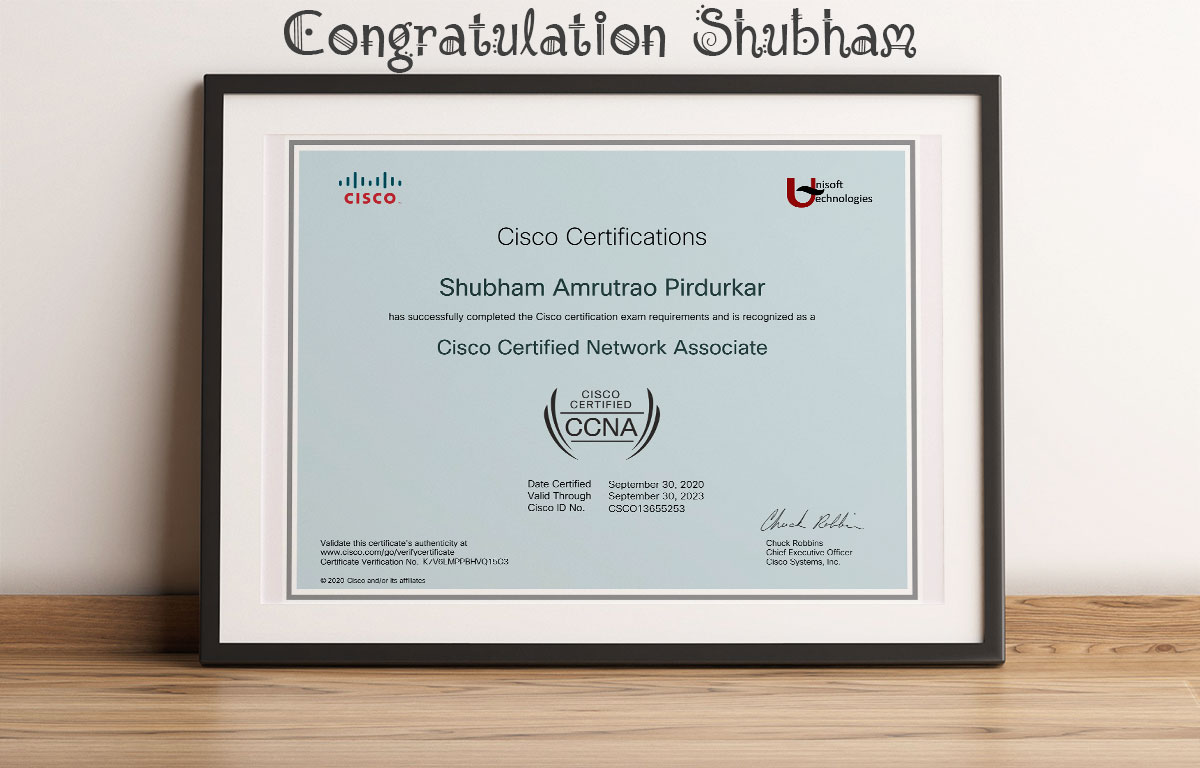
Exams Details:
| Schedule for Cisco CCNA Training & Certification in Nagpur, Pune and Bangalore. | ||||
| Course Contents | Exam # | Regular Track (days) | Fast Track (days) | |
| Cisco® Certified Network Associates Exam | Cisco CCNA Exam | 35 | 8 | |
| Balance Days for exam(s) and practice | 10 | 2 | ||
| Total duration | 45 | 10 | ||
Testimonials

Shubham Anantwar
Shubham Sir is recognized as the best faculty for the CCNA course at Unisoft Technologies. His expertise and teaching methods have garnered him much appreciation among students. In addition to the excellent faculty, the administrative staff at Unisoft Technologies is also commendable. They provide good support and create a conducive environment for learning. If you’re considering a CCNA course, Unisoft Technologies, with its experienced faculty and supportive staff, is a great choice.